

Design where you write code
Create and edit designs in VS Code or Cursor. Bring your Figma work, use your AI subscription, and keep designs with your code.
Available for macOS, Windows, and Linux. Also in VS Code and Cursor.
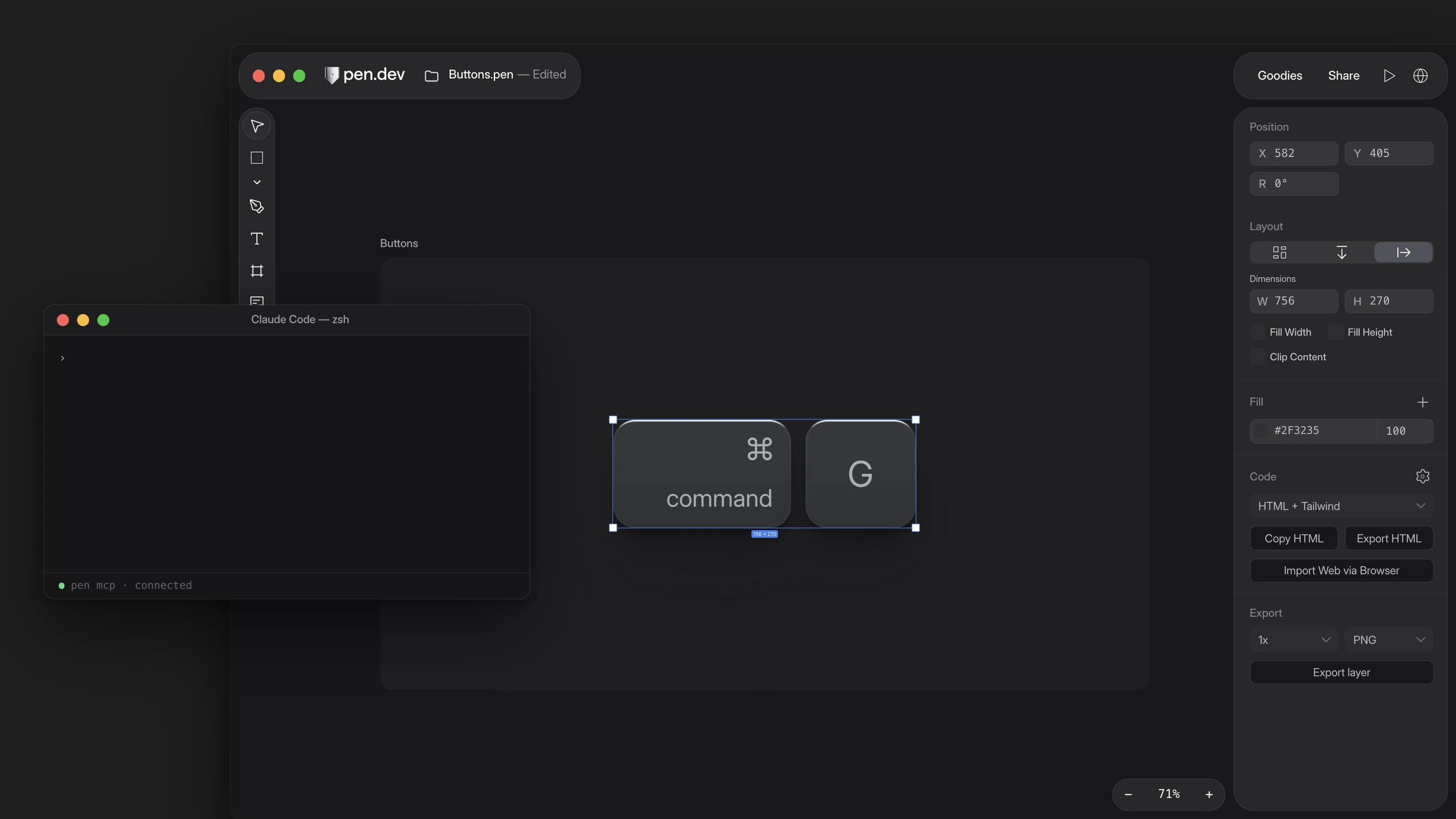
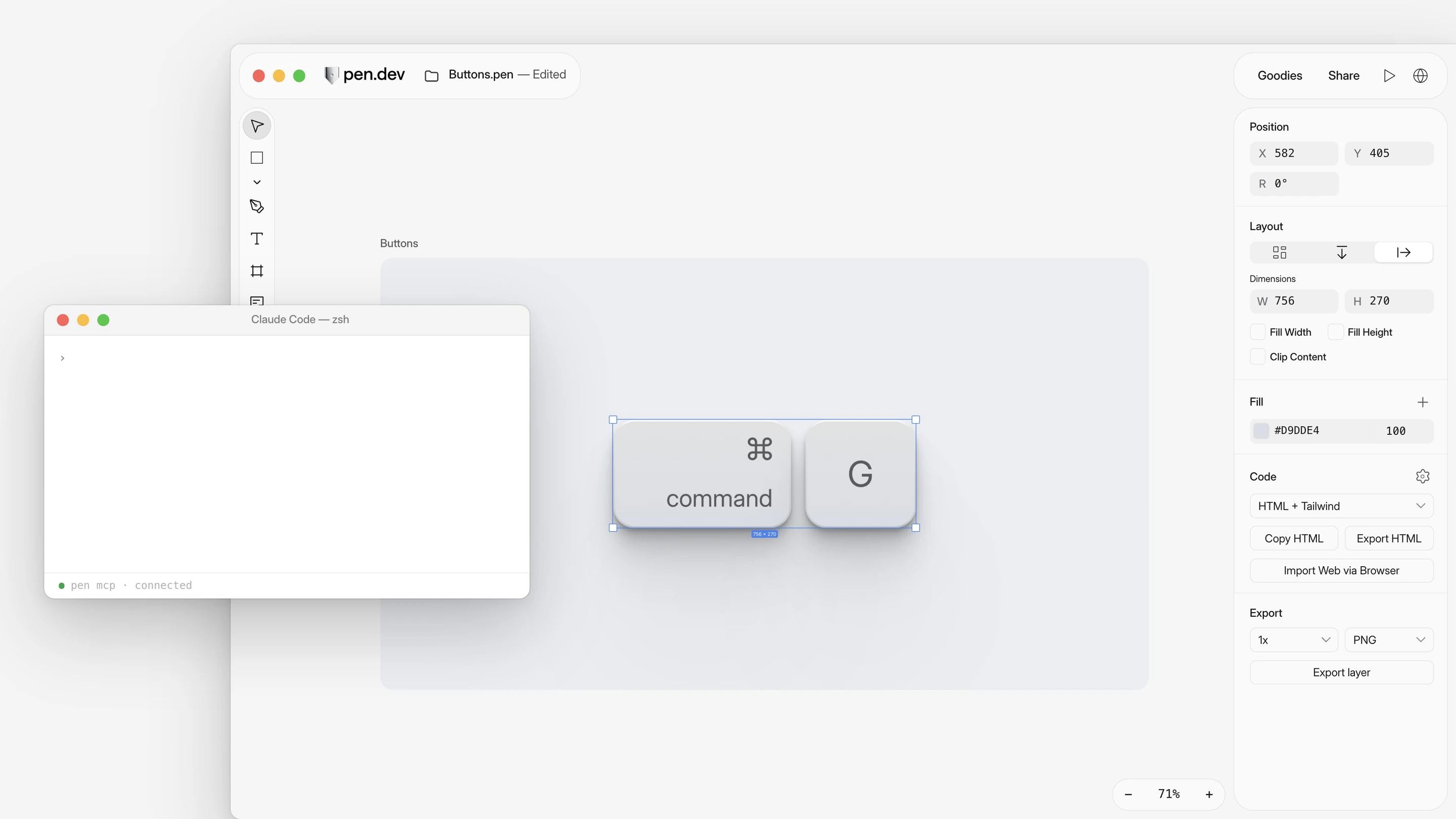























One place to design and code. Your AI subscription. HTML export built in.
| Feature |   | Figma |
|---|---|---|
| Edit designs in VS Code or Cursor | ||
| Use your AI subscription in the app | External agents via MCP | |
| Export designs as HTML | Through Make or code layers | |
| Review design changes in Git | Exported code | |
| Preview your running app | Desktop app | |
| Export designs as SVG | ||
| Create reusable components | ||
| Import websites as editable designs | Desktop app | Through an AI agent |
| Automate design exports | ||
| Create and edit designs with AI | Full seat outside drafts | |
| Switch light and dark themes | Plan limits | |
| Keep shared components and styles in sync | Reopen to update | Plan-dependent |
| Use a Linux desktop app | ||
| Comment on designs | ||
| Share design files | ||
| Share a link to your design | Snapshot links | |
| Edit together in real time | Coming soon |
Import from a .fig file in the desktop app, or paste layers. Edit by hand or with agents.


Import a Figma page with its images in the desktop app.
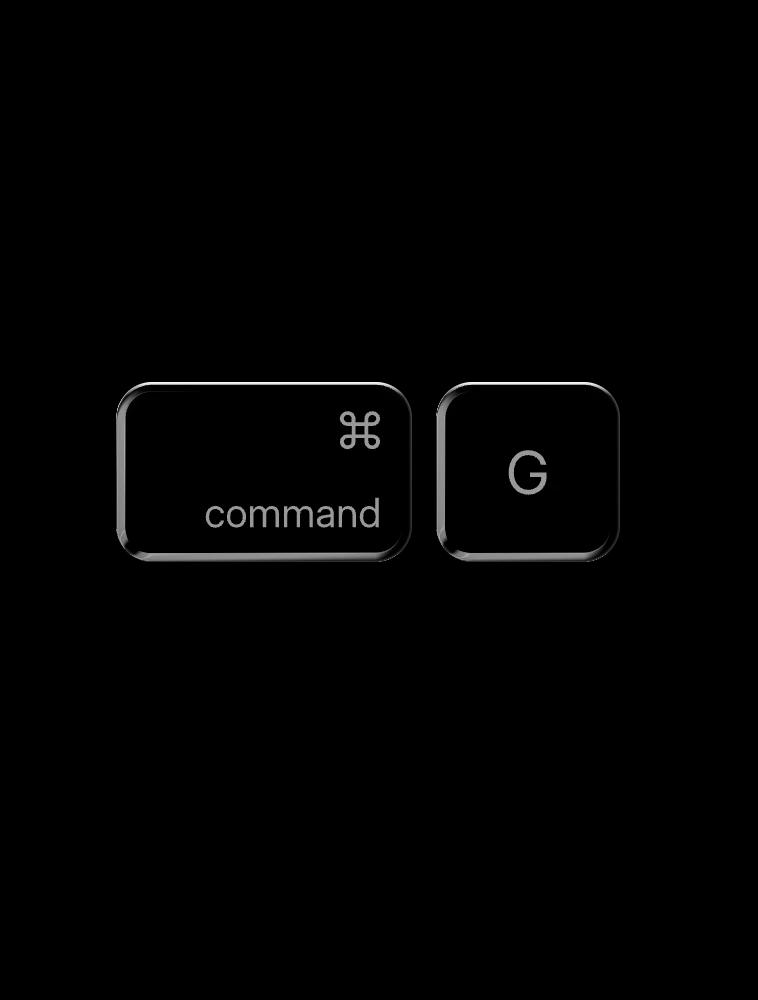
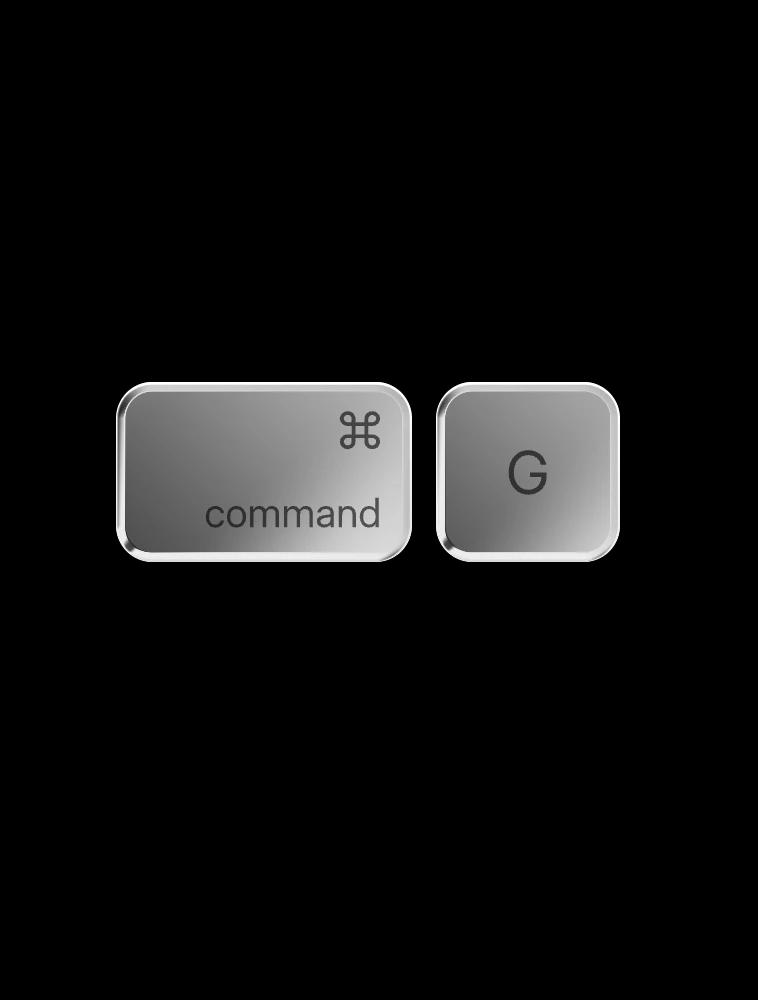
Use familiar shortcuts to select layers, draw, and adjust your layout.
Give agents your project’s design rules to follow.
Work with agents, by hand, or both.
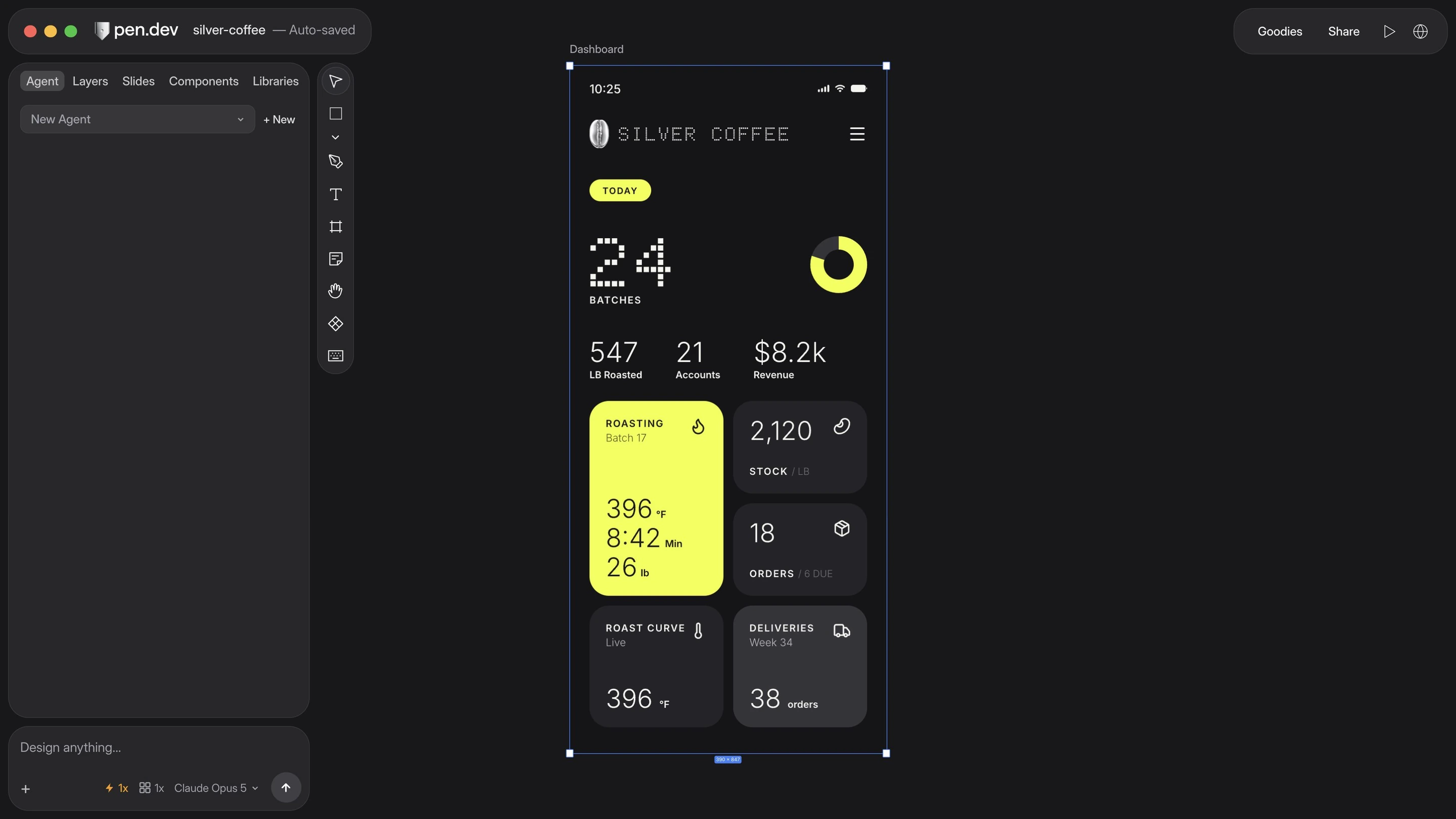
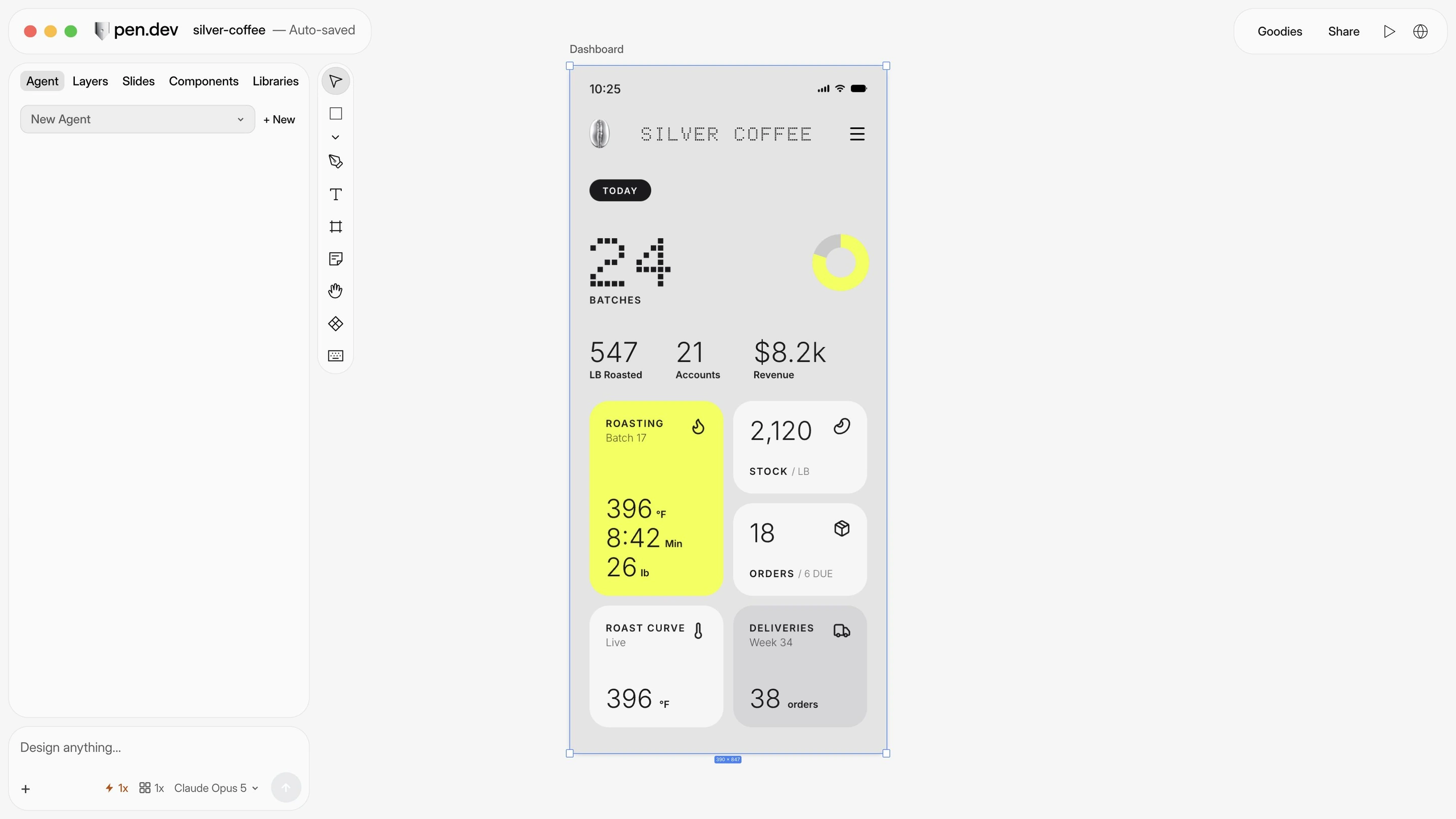
Download pen.dev for macOS, Windows, or Linux, or add it to VS Code or Cursor.